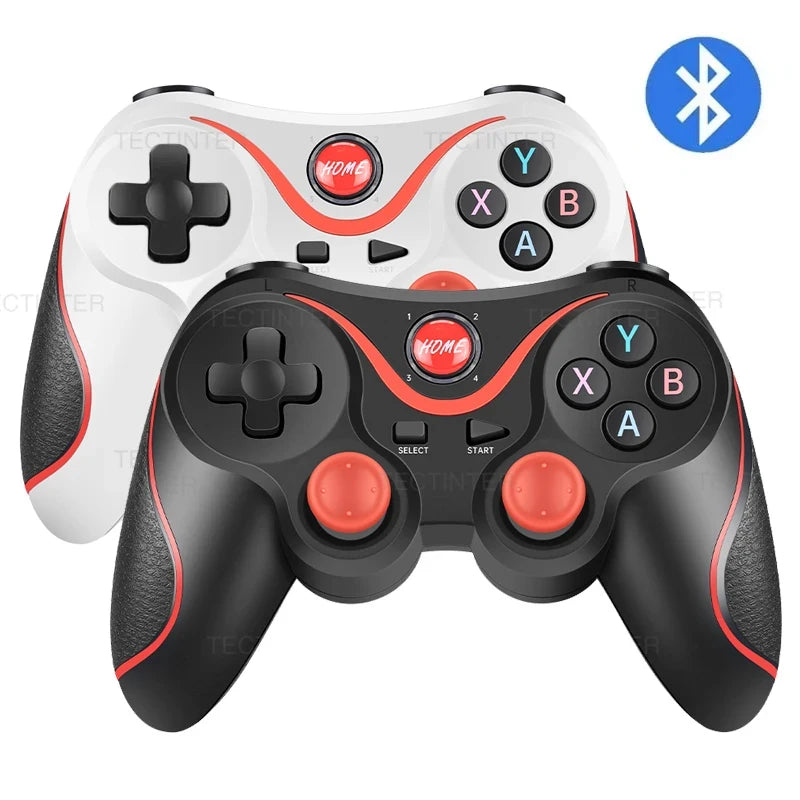
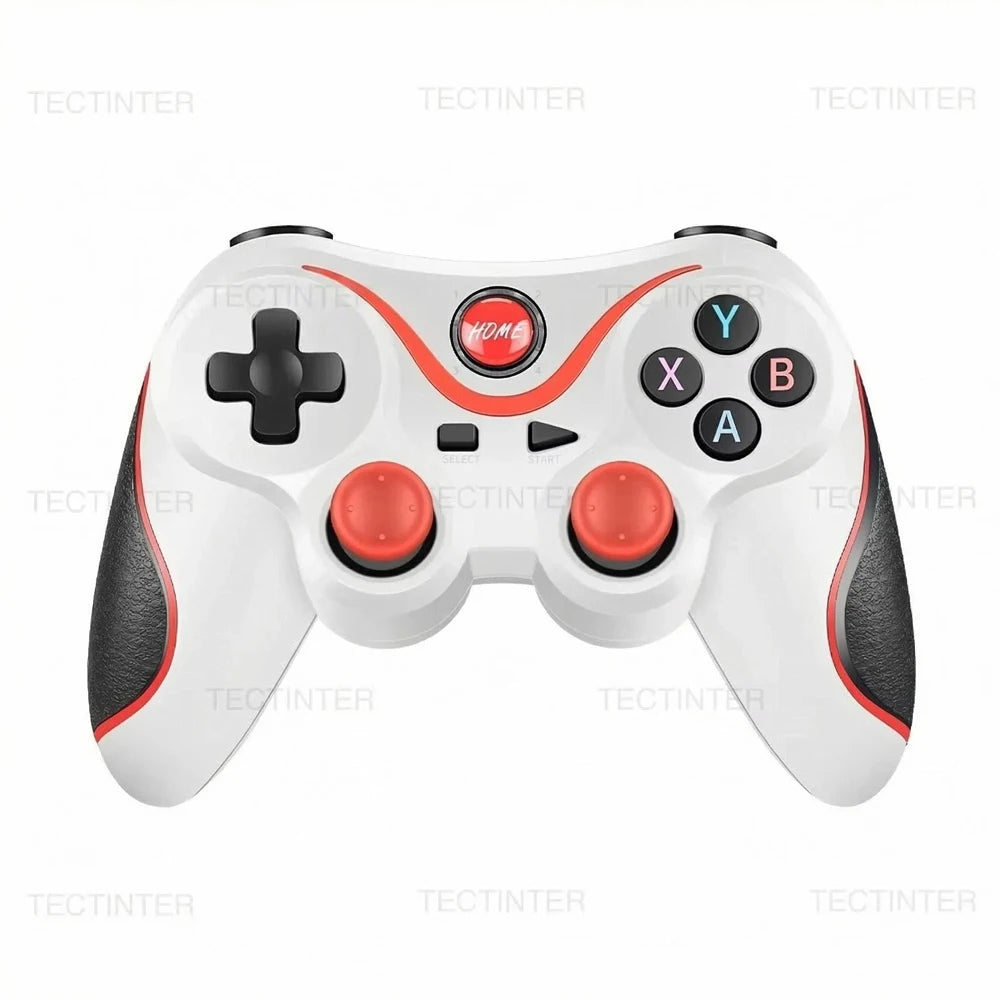
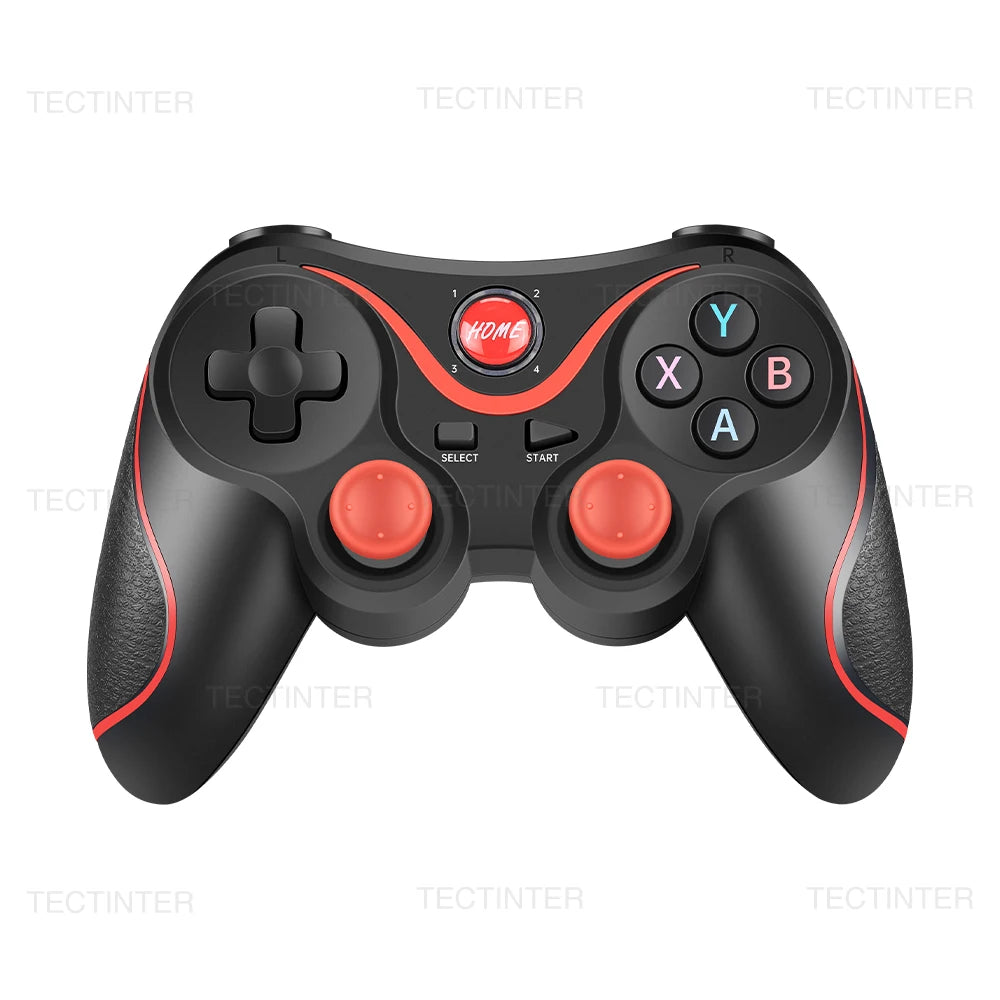
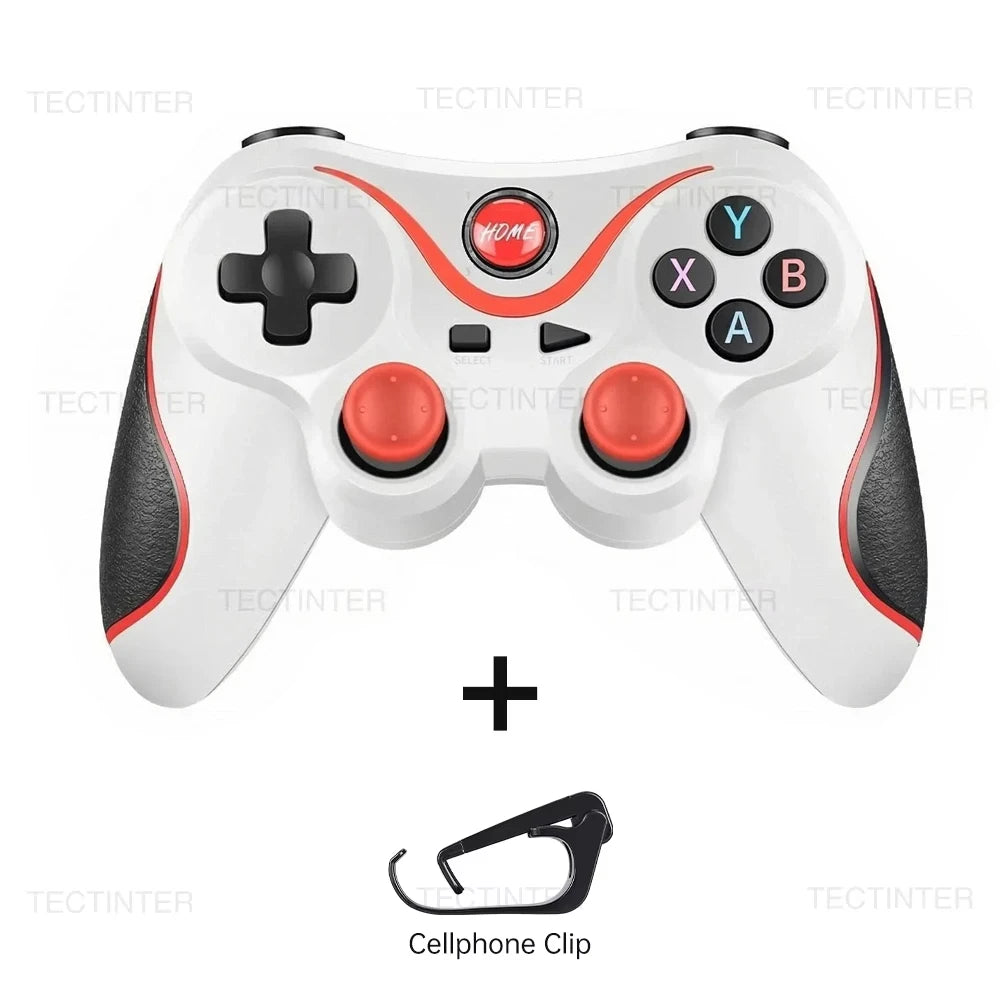
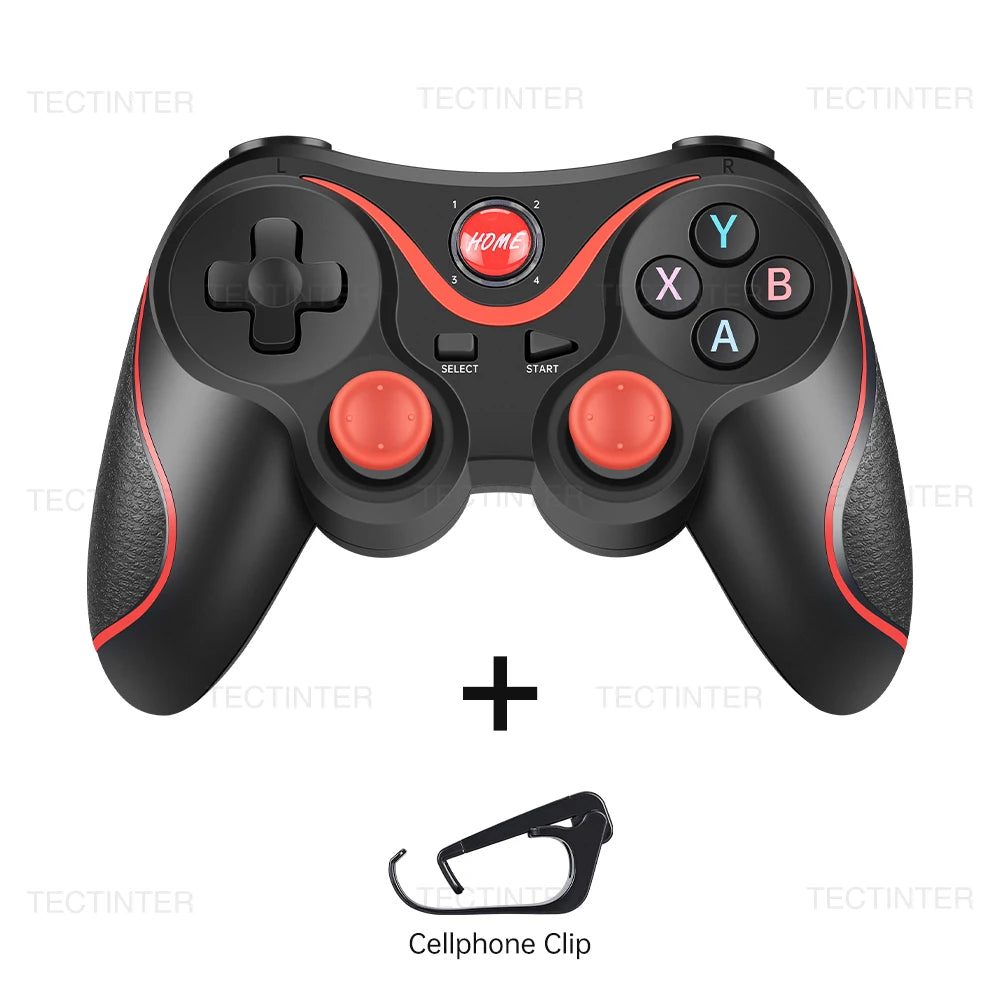
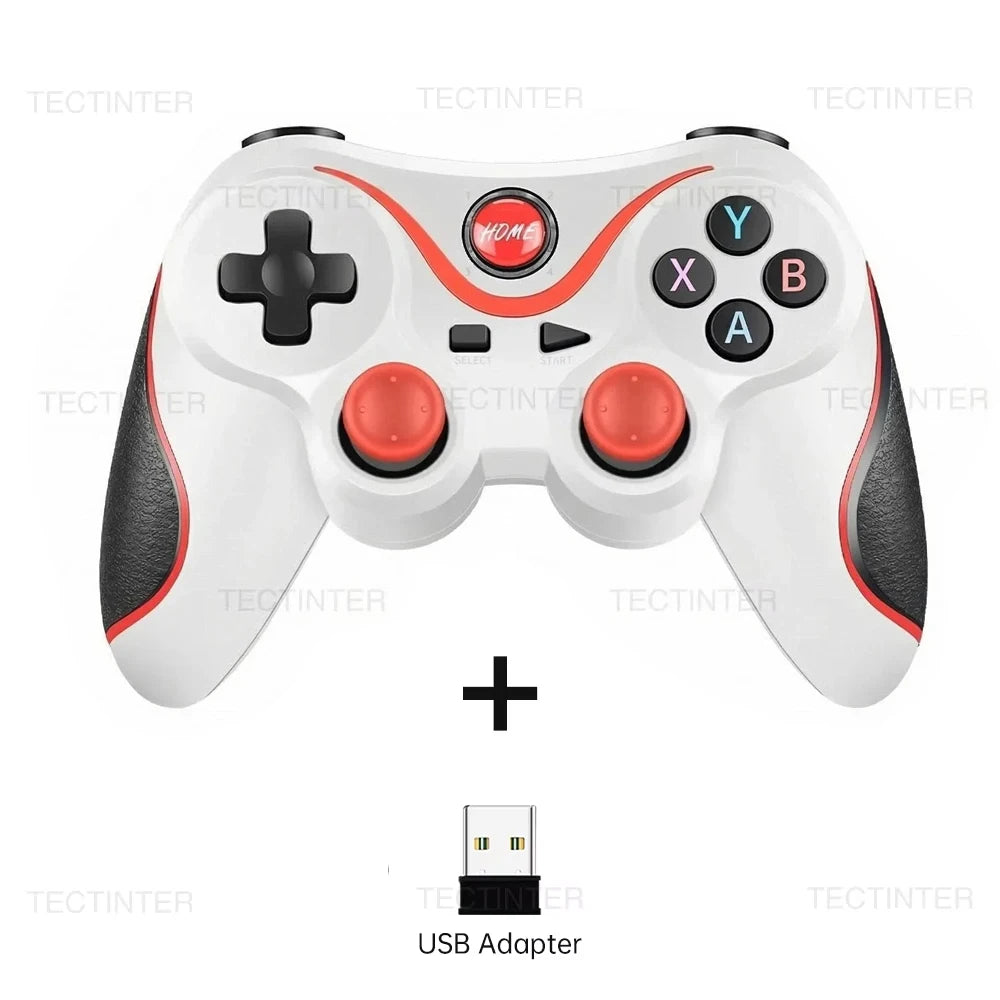
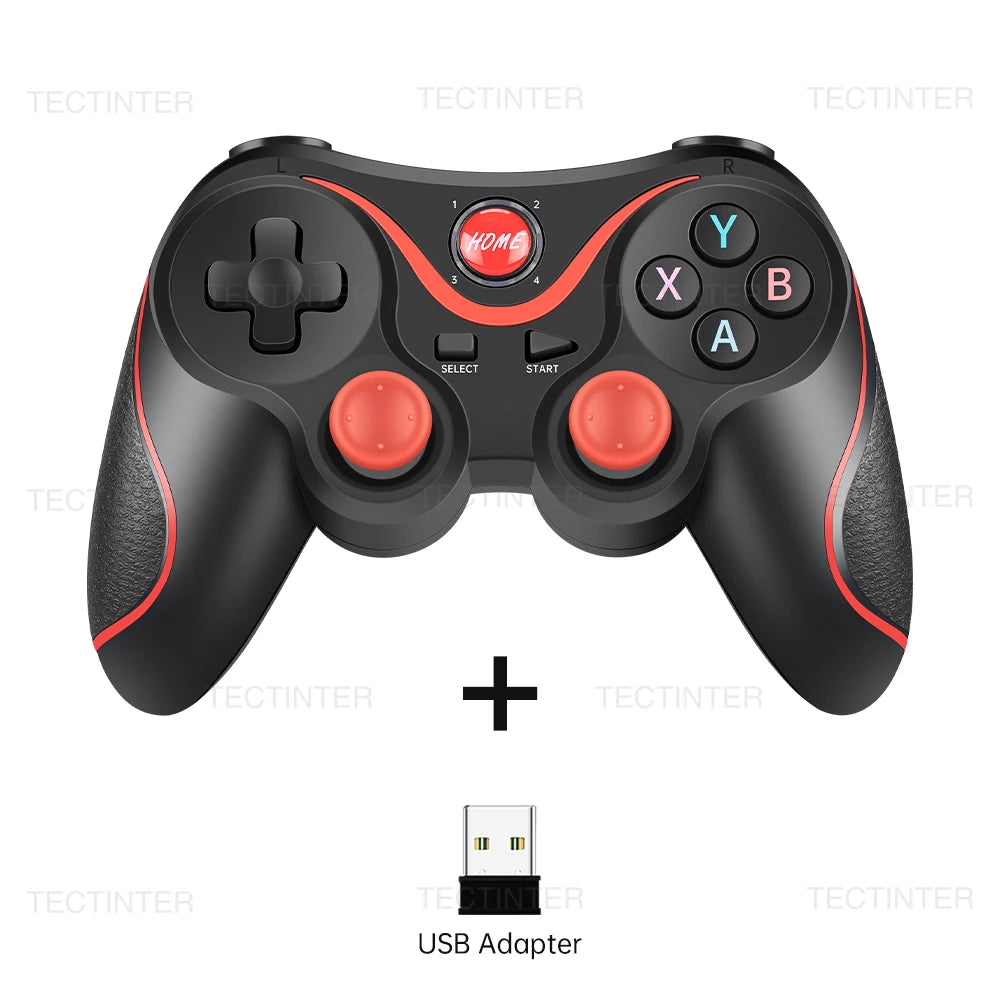
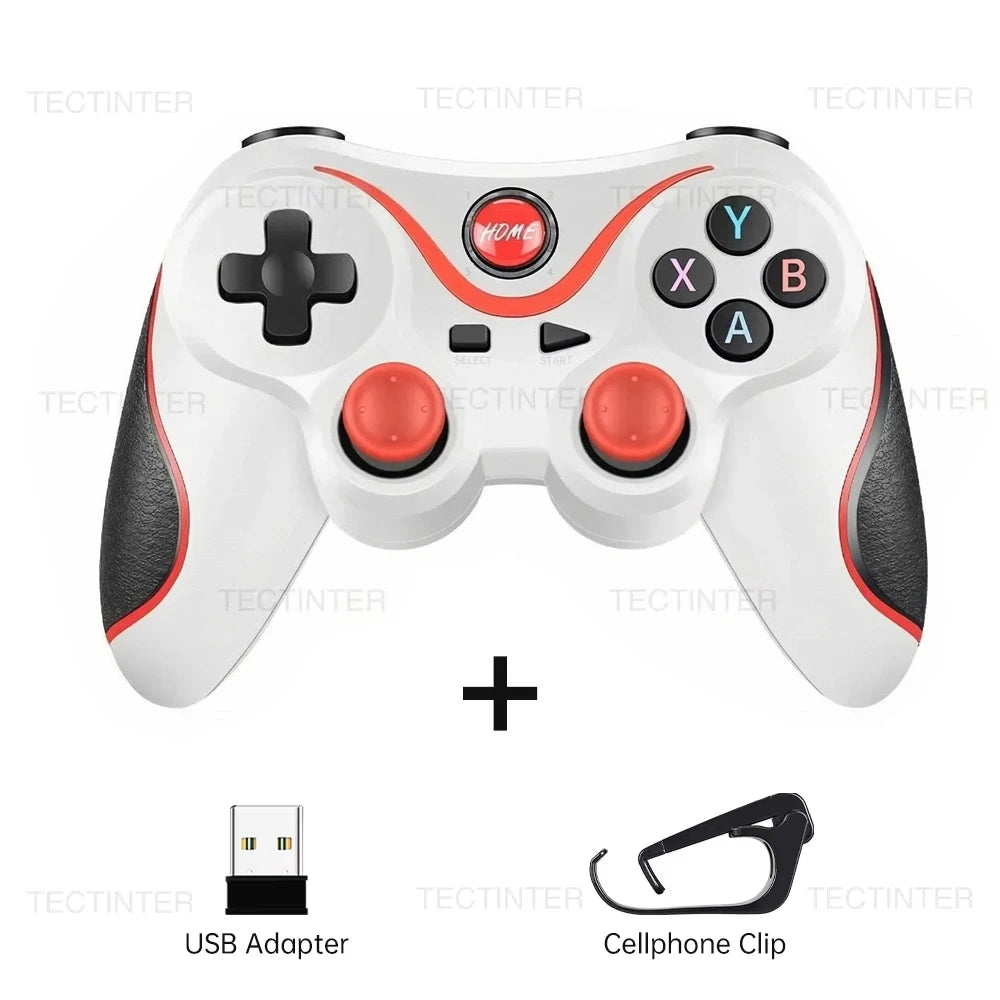
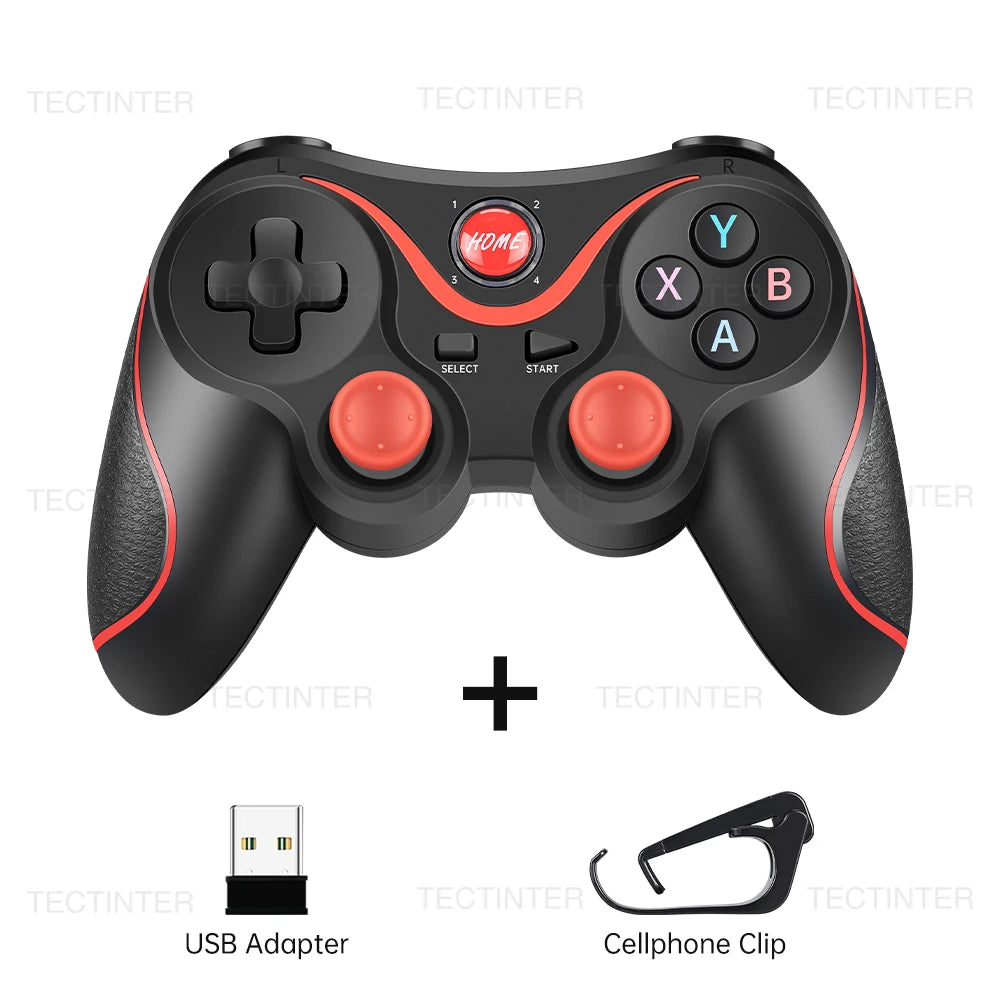
Terios 2.4G Wireless Bluetooth Controller for Nintendo Switch/PS3/PS4 Console PC Joystick Controle Gamepad for Android Phone
SPECIFICATIONS
Battery Included: No
Compatible Brand/Model: Nintendo
Compatible Nintendo Model: Nintendo Switch
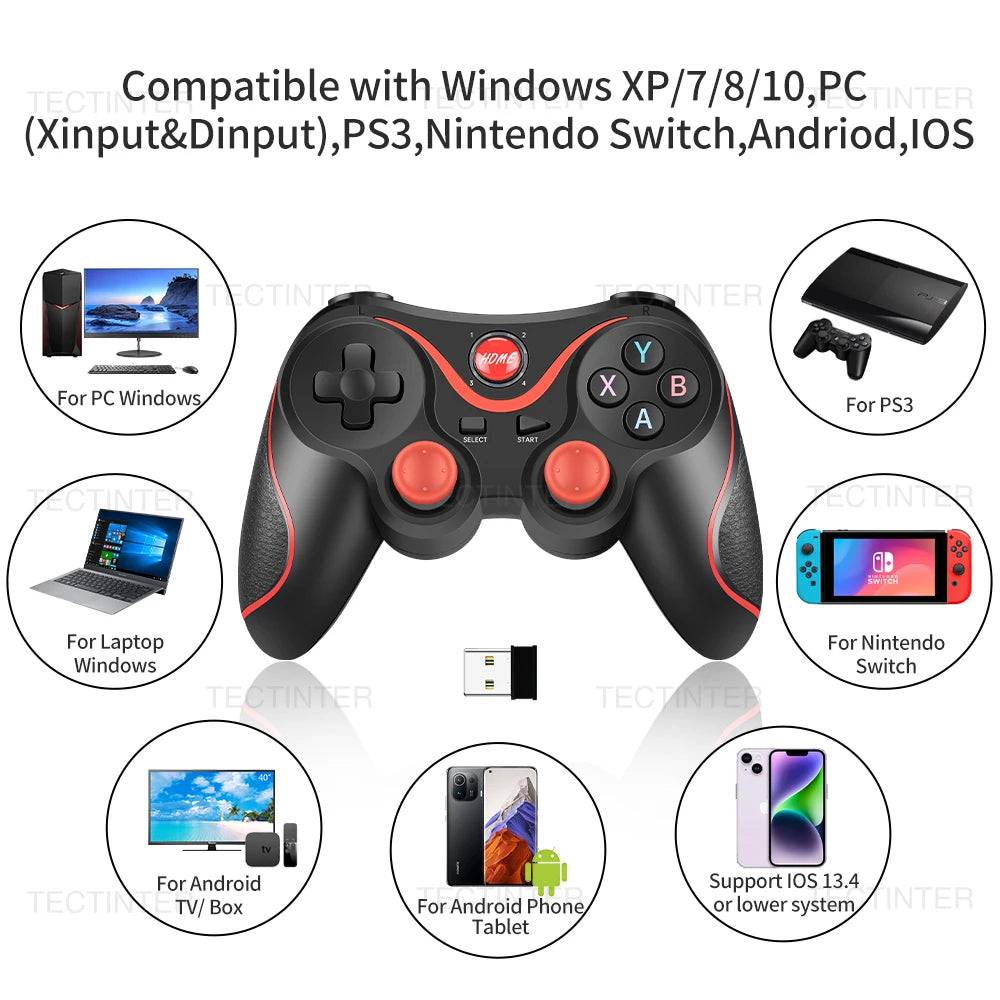
Compatible Platform: Nintendo Switch,playstation,PC,Android,iOS,steam
High-concerned chemical: None
Interface Type: Bluetooth,2.4G
Trigger Button Type: NONE
Type: Gamepads
semi_Choice: yes
Advertisement
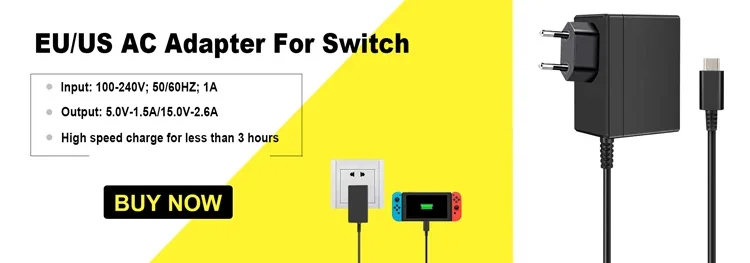
EU/US AC Adapter Charger Compatible Nintendo Switch
It is specially designed charging for Switch, built-in Type-C cable, simple, small and elegant design. Power surge protection, using constant current output, safe and efficient.
Item description
Warm tips
If you connect to PS4 or PS3 console, please use yourself's data cable to sync with the console, our cable only can charge the gamepad, can't sync; Other device connection method, please read the user manual, if you have any question about use the gamepad, please feel free contact our customer service.
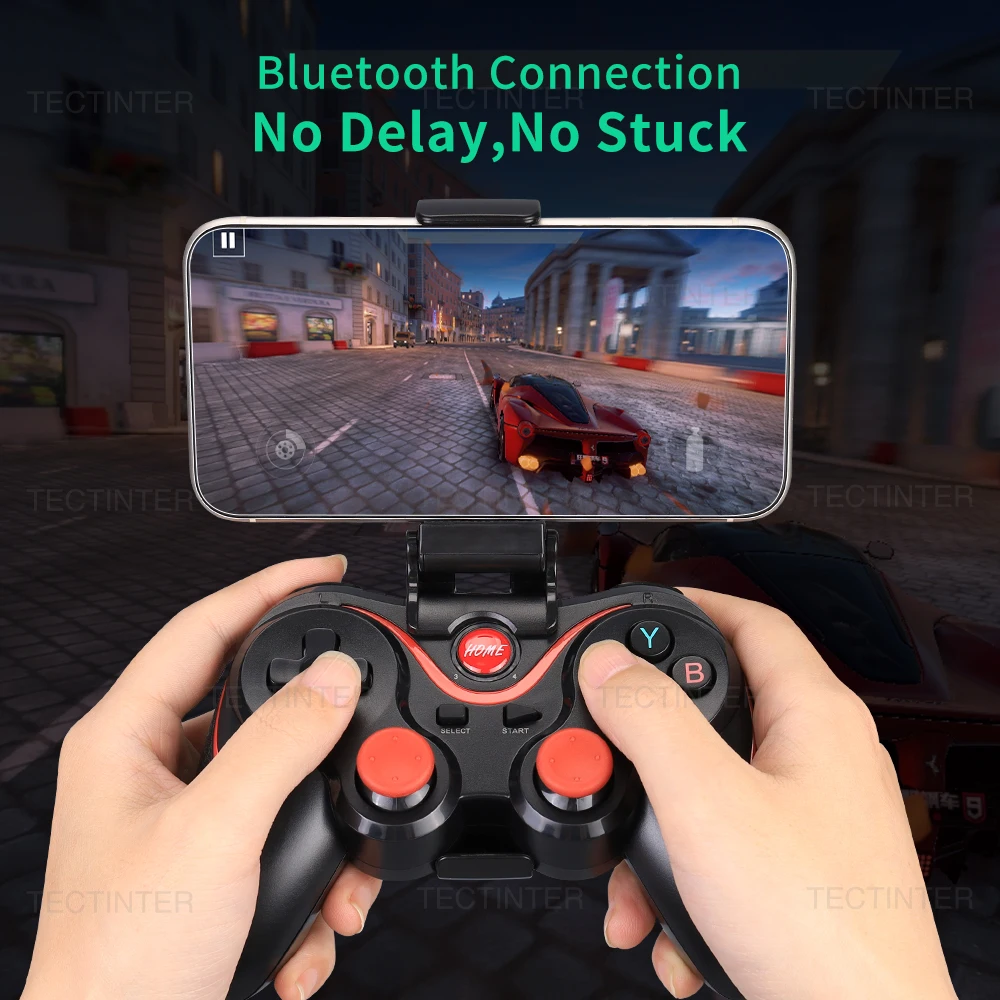
Q:How to use the controller to play games on the phone?
A:First, you need to search for ShootingPlus V3 in the app market or Google Play Store for download,then,open the V3 app, add the game you want to play into V3, finally open the game to set up the key mapping, Save the settings.
Connection method
1. Android phone:: In the condition of controller turn off , long press" X + Home" or "A+Home” key for 5 seconds, four led lights on the handle is in a flash state,turn on cell phone for bluetooth search,to find the corresponding device, and then click on the matching connection.
2. Ios phone: In the condition of controller turn off, long press "B + Home"or "Y+HOME" key for 5 seconds, four led lights on the handle is in a flash state,turn on cell phone for bluetooth search,to find the corresponding device, and then click on the matching connection.
3. For PC : Insert receiver in to USB port, In the condition of controller turn off, long press L1+ Home key for 5 seconds,it will be automatically connect.
bluetooth connection: long press R1+HOME button for 5 seconds to connect to pc,
4. Nintendo Switch: In the condition of controller turn off, long press "R2+HOME" , four led lights on the handle is in a flash state,turn on Switch for bluetooth search,to find the corresponding device, and then click on the matching connection.

Multi Compatibility Bluetooth Game Controller
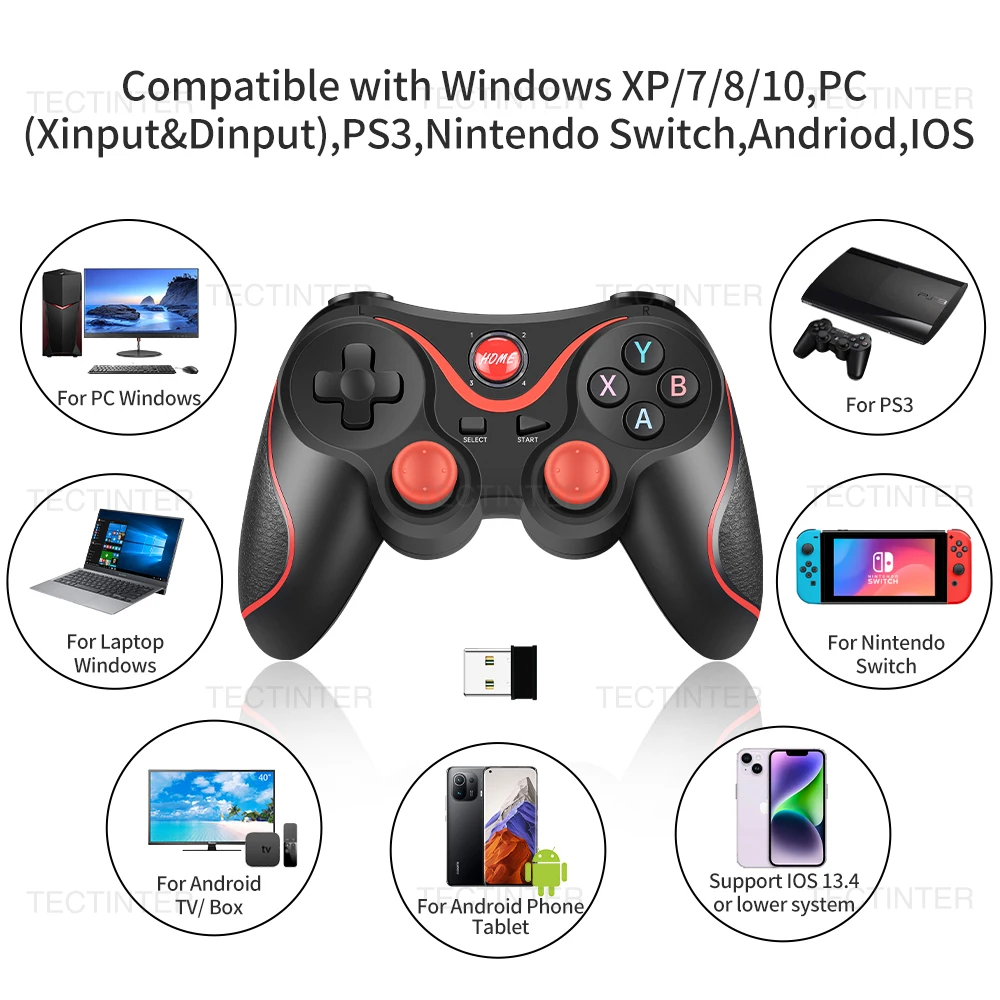
This controller compatible with Switch,PS3,PS4,PC,Laptop, Iphone(below IOS 13.4 system), IOS MFI, Android,Smart TV.
Rechargeable battery
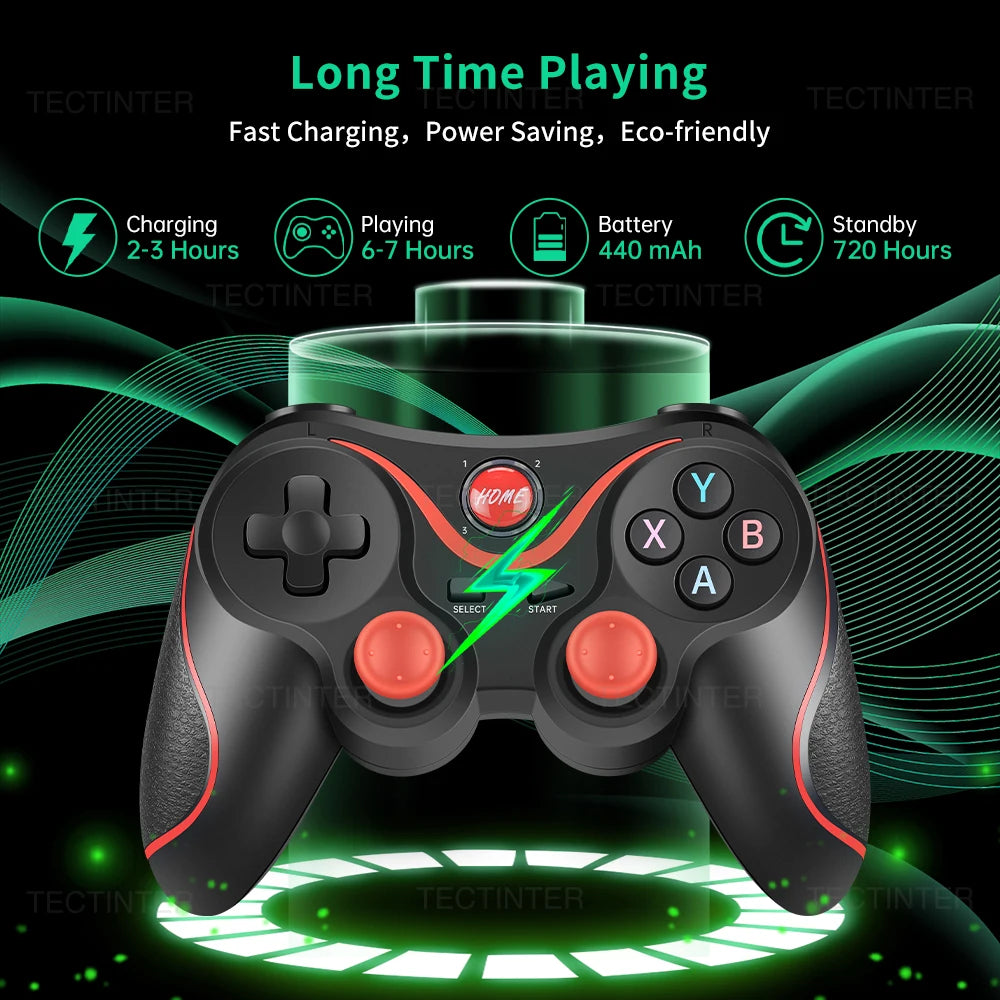
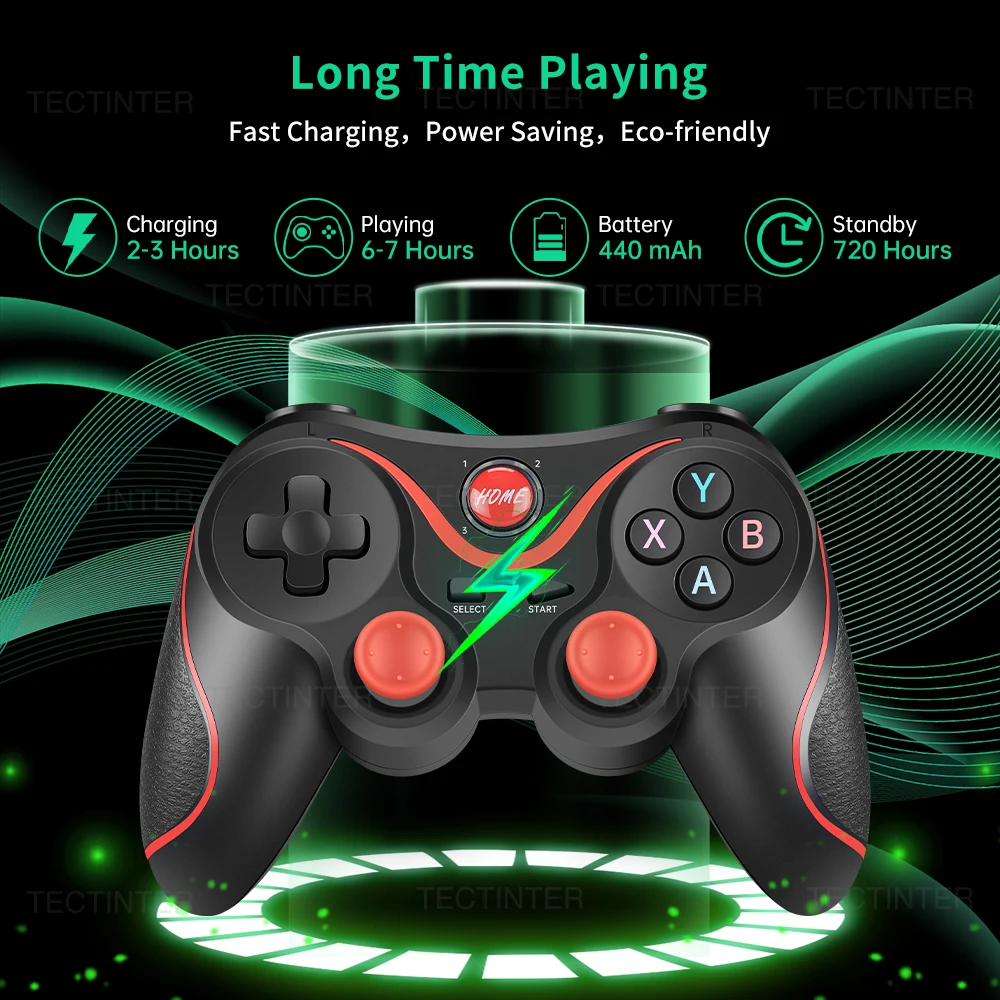
Micro USB interface, faster charging and less delay. 400MAH large-capacity battery, ultra-long standby, standby for 30 days,can work continuously for 6-10 hours, connection distance 8M,let the game get rid of the trouble of the battery.Please charge the controller when you use it for the first time, because the battery may be exhausted due to long-term transportation.
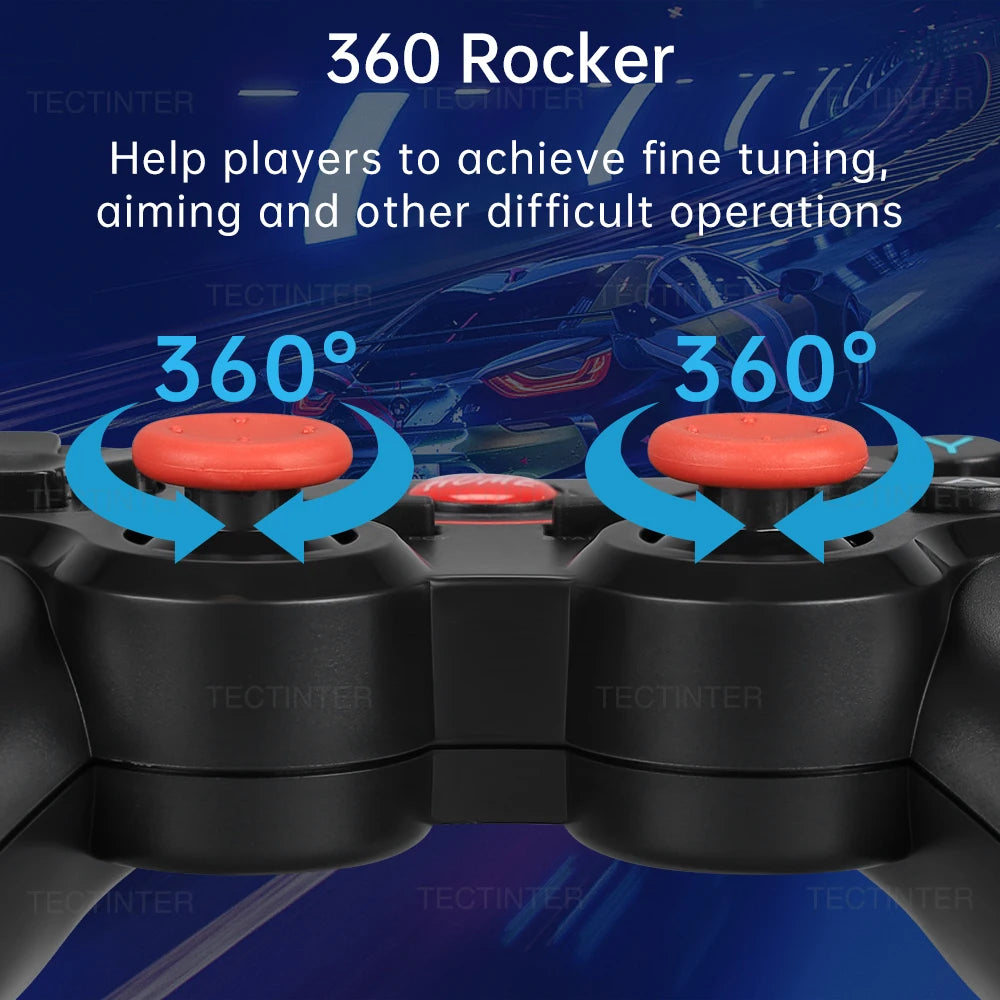
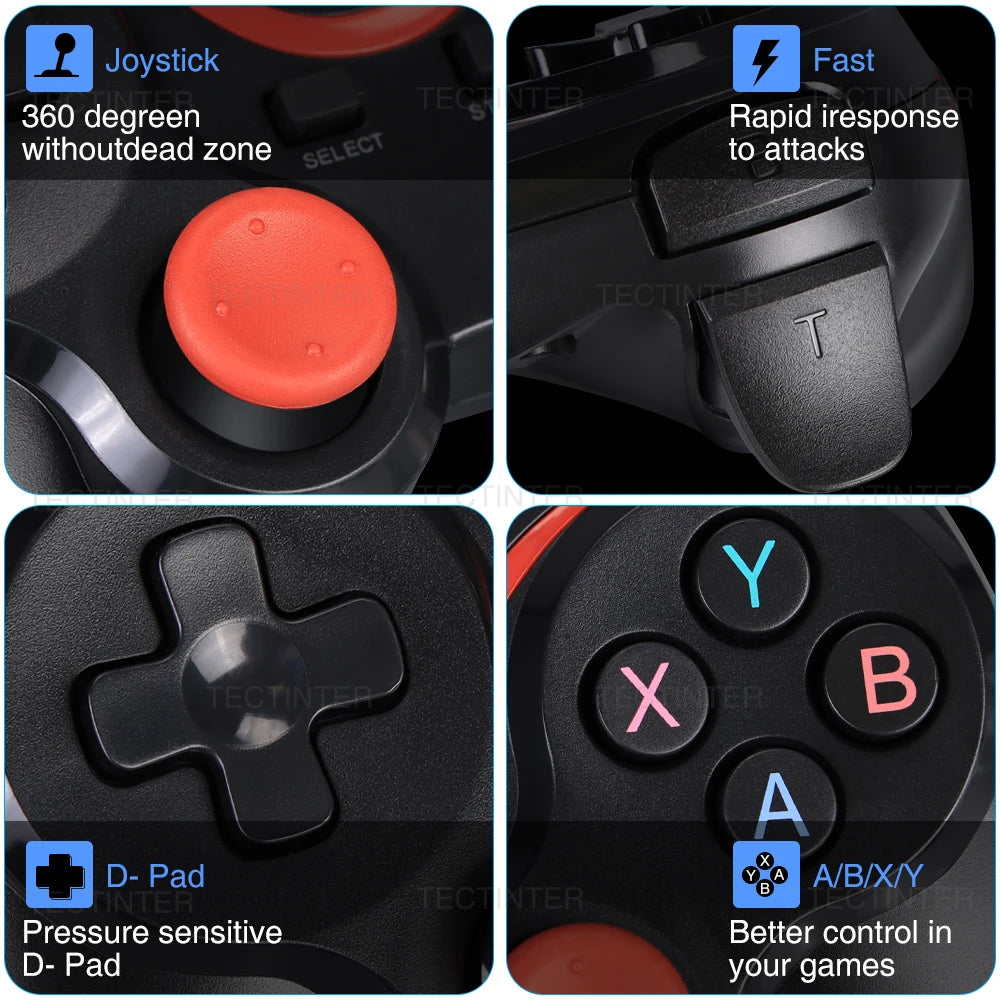
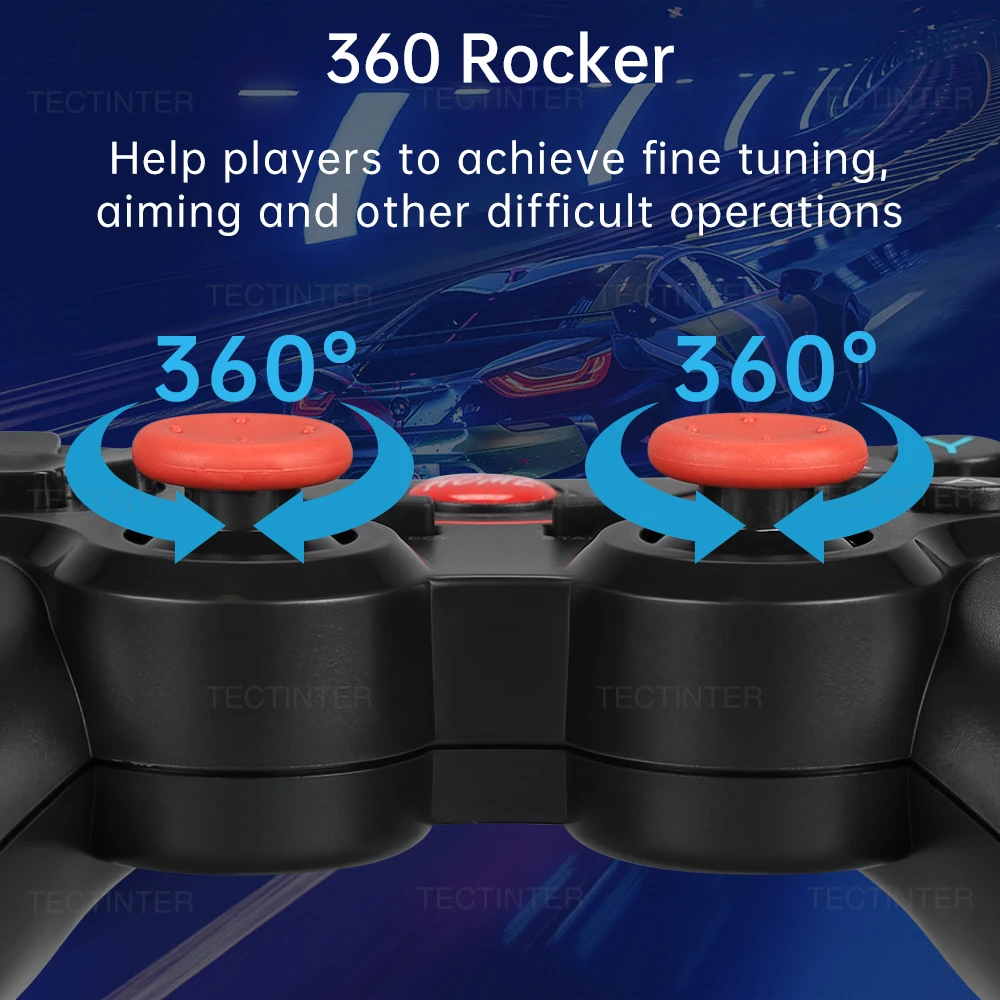
High-precision 360° Rocker
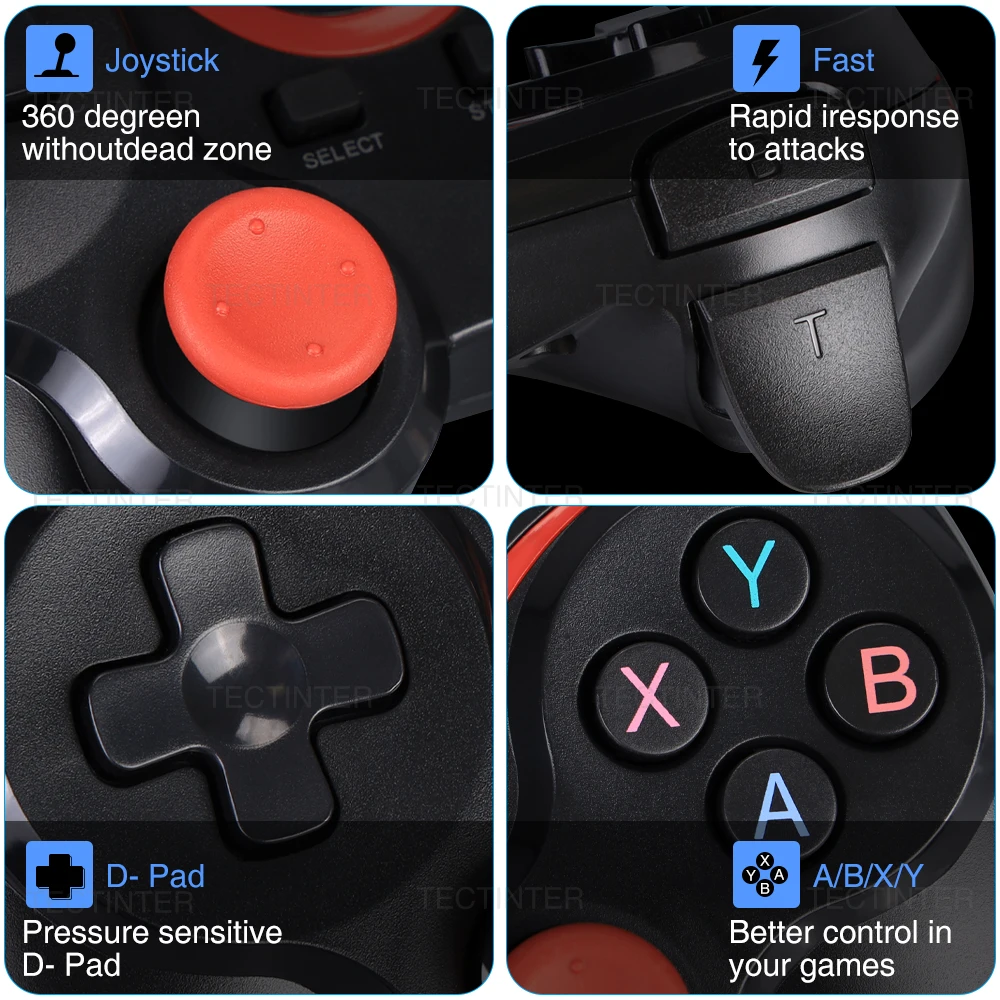
The highly sensitive analog joysticks and buttons provides more detailed and precise control of the actions in the game, with reduced response time and improved accuracy at critical moments,making the game smoother.
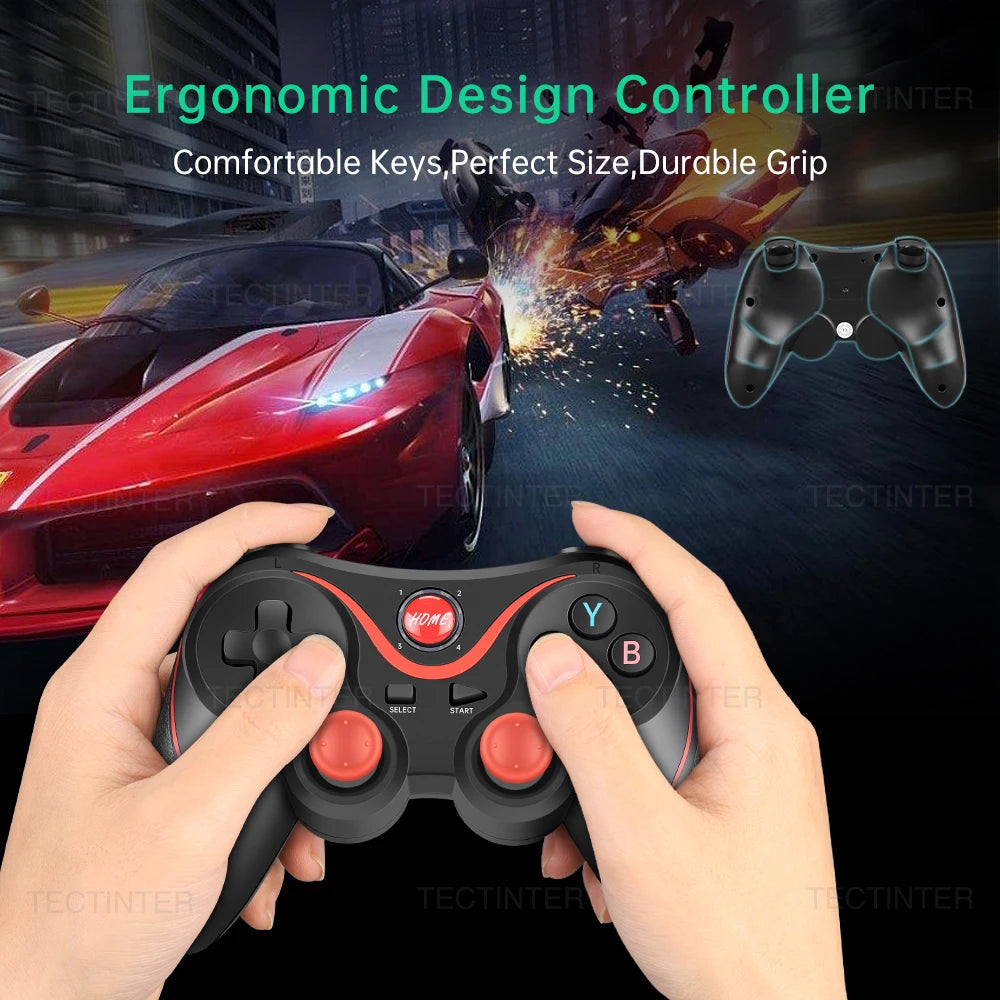
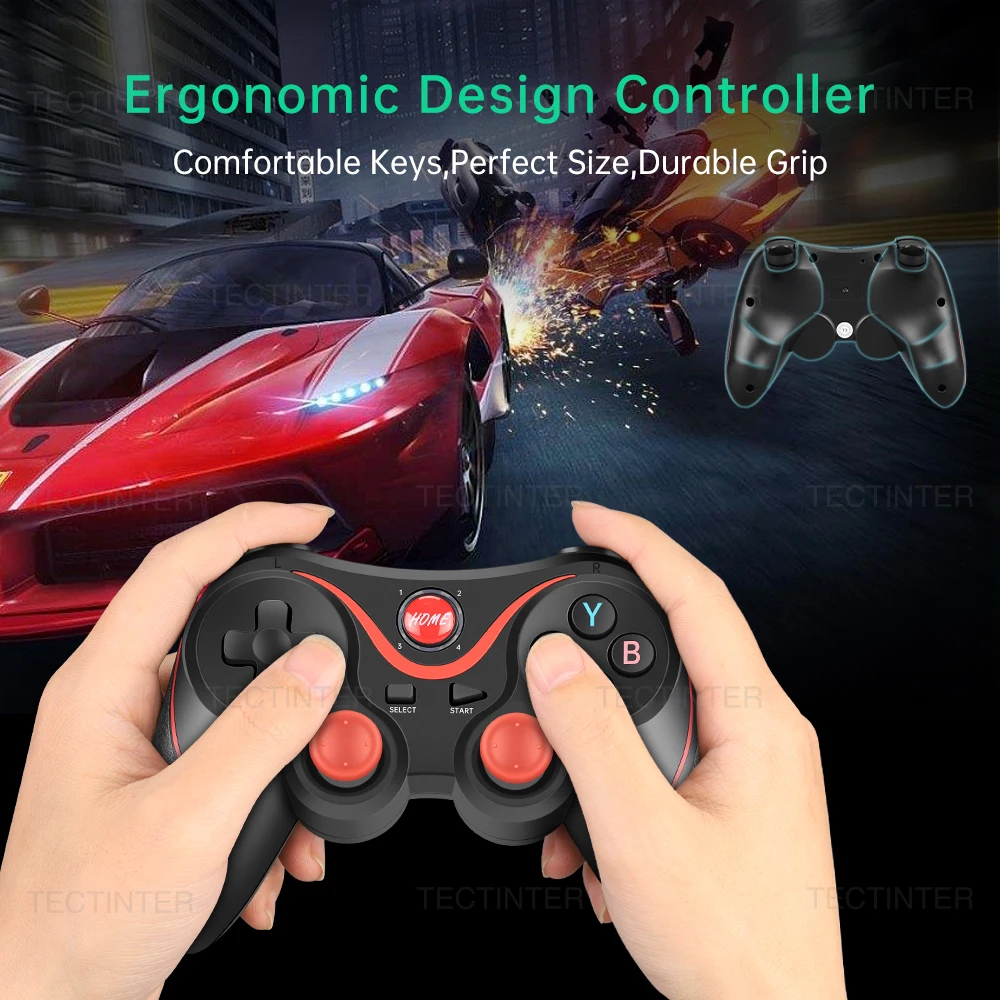
Ergonomic Design
The special design concept used on both sides of the controller, the special-line designed brings you a thicker feeling, the streamlined design and special materials reduce the weight of the product, and the anti-slip design on both sides make sure you can still enjoy with it after a long period of use.
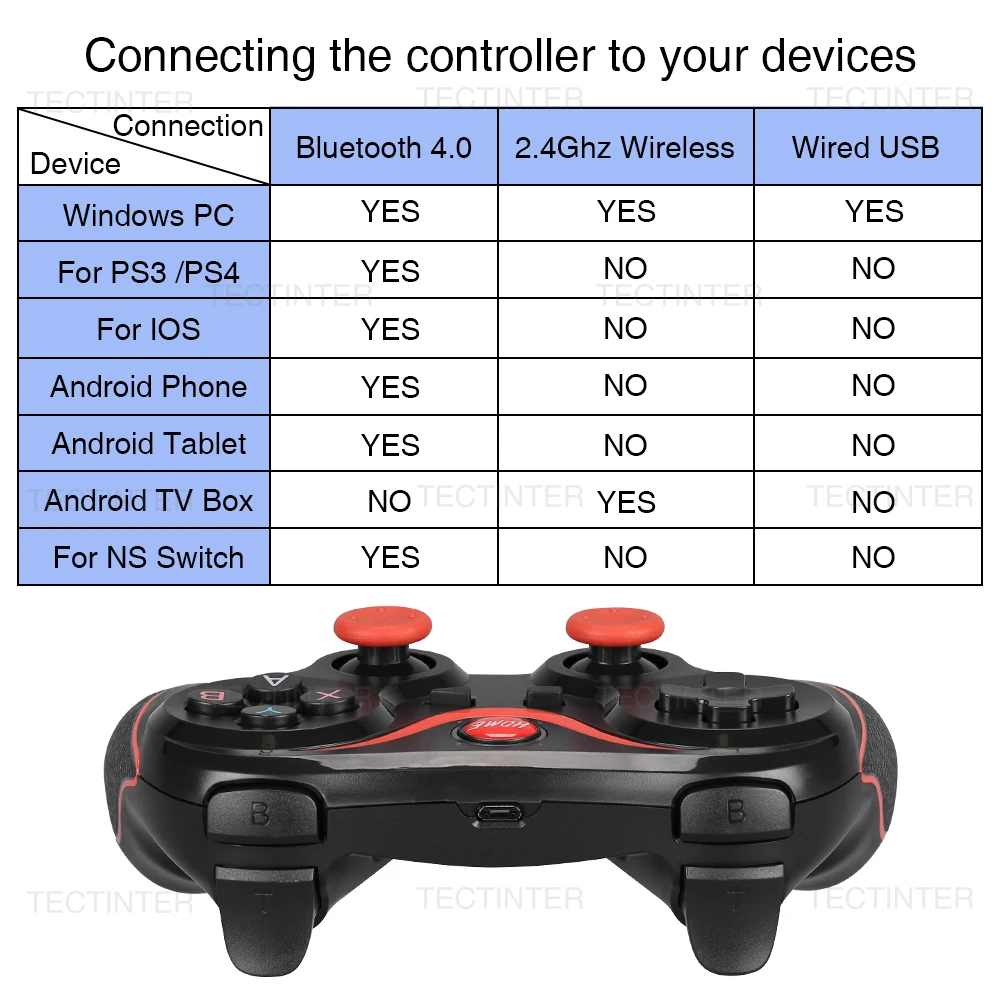
Multiple Connection Methods
Support 2.4GHz / Bluetooth 4.0 / Wired 3 Connection Methods.This Bluetooth control handle is compatible with multi-platform games. Universal Bluetooth connectivity means you can play games on Bluetooth-enabled Android phones and tablets! It can be used for Android smart phones/iOS/TV boxes/PS3/PS4/laptops/PC.
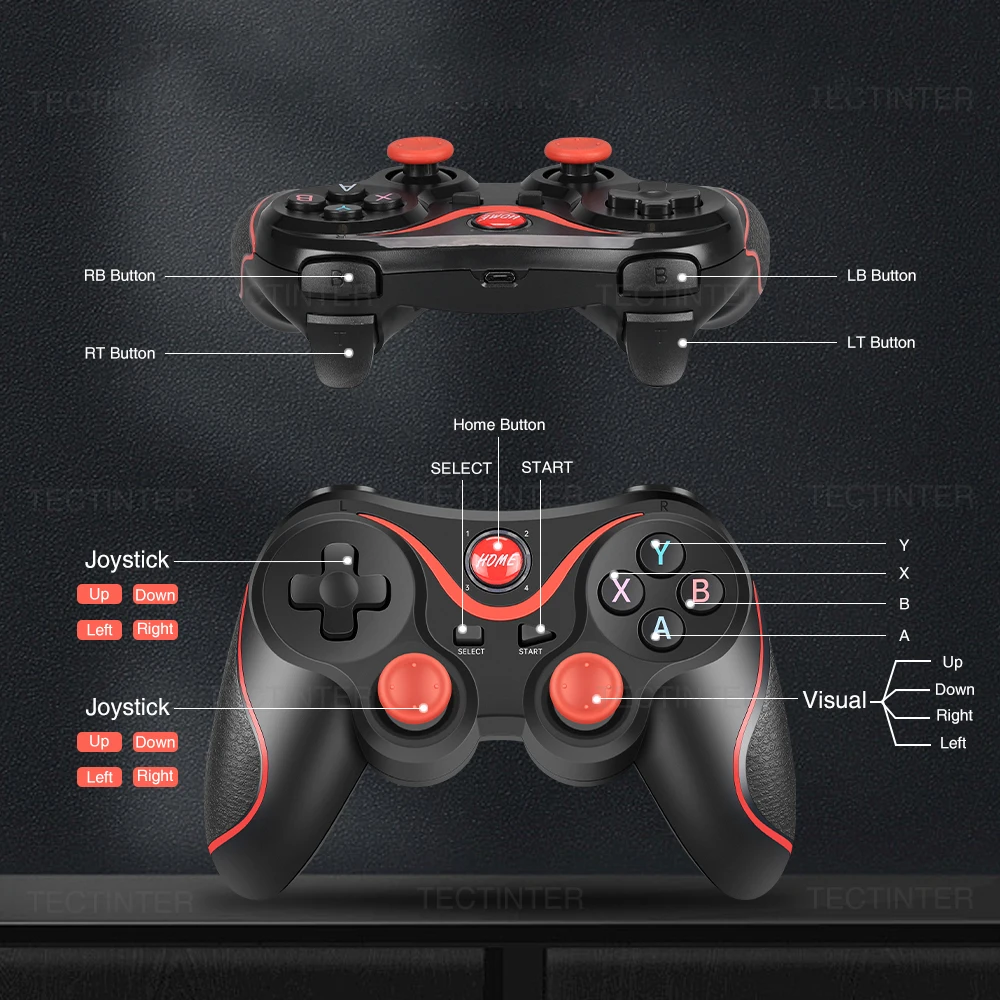
Function Button Display
LED1=Android V3 mode
LED2=Iphone V3 mode
LED3=game lobby mode
LED4=Charging indication

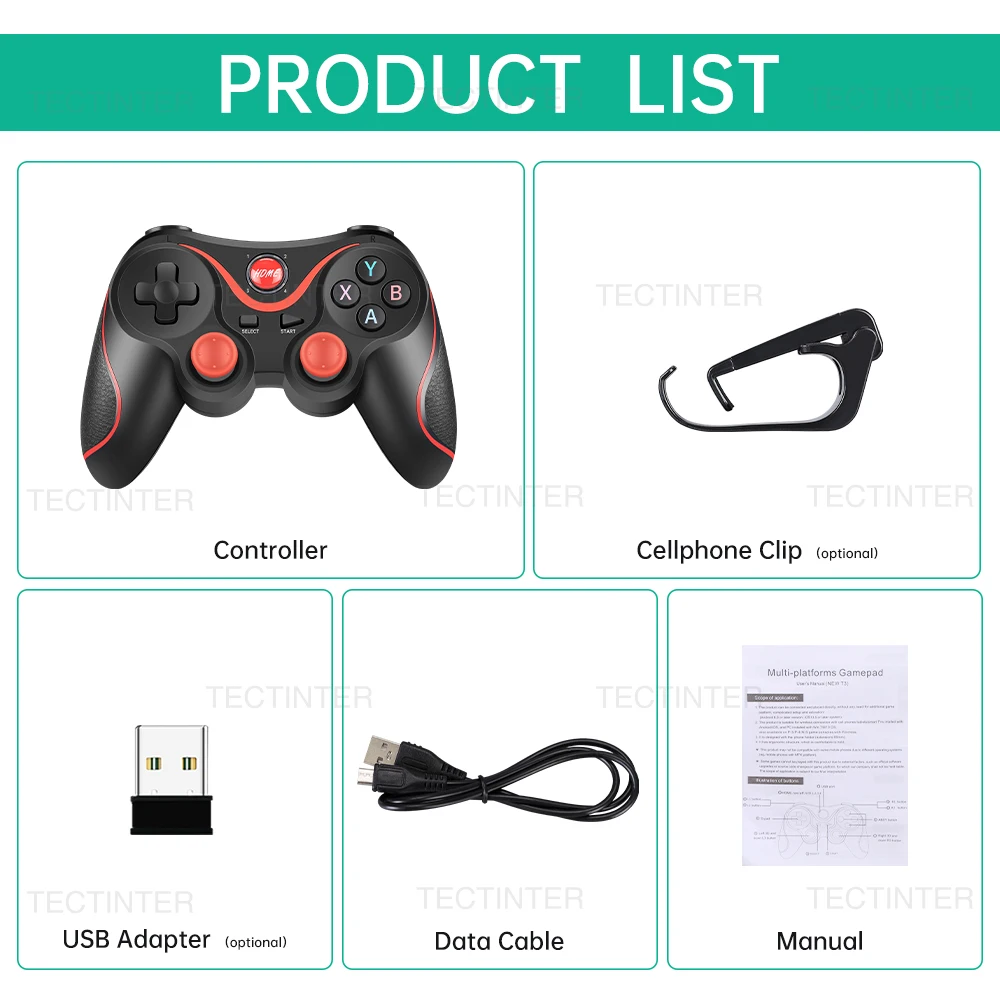
Product List
1* Controller
1* USB Cable
1* 2.4G receiver(Optional)
1* Holder(optional)
1* User Manual